Automate

Animations without Headaches

Hello Automate

Goodbye keyframes

Requirements:
  • DaVinci Resolve Studio 20+
  • MacOS 26 or Windows 11
box art for Automate
Sign In

Animate More, Work Less

Animate Common Patterns in Seconds

Animations that keep up with you

In & Out animations stay with your clip, even when you cut it

A new way to Animate

More Speed, More Control

Right-click to Automate

  • Positions
  • Sliders
  • Angles
  • Colors
  • Switches
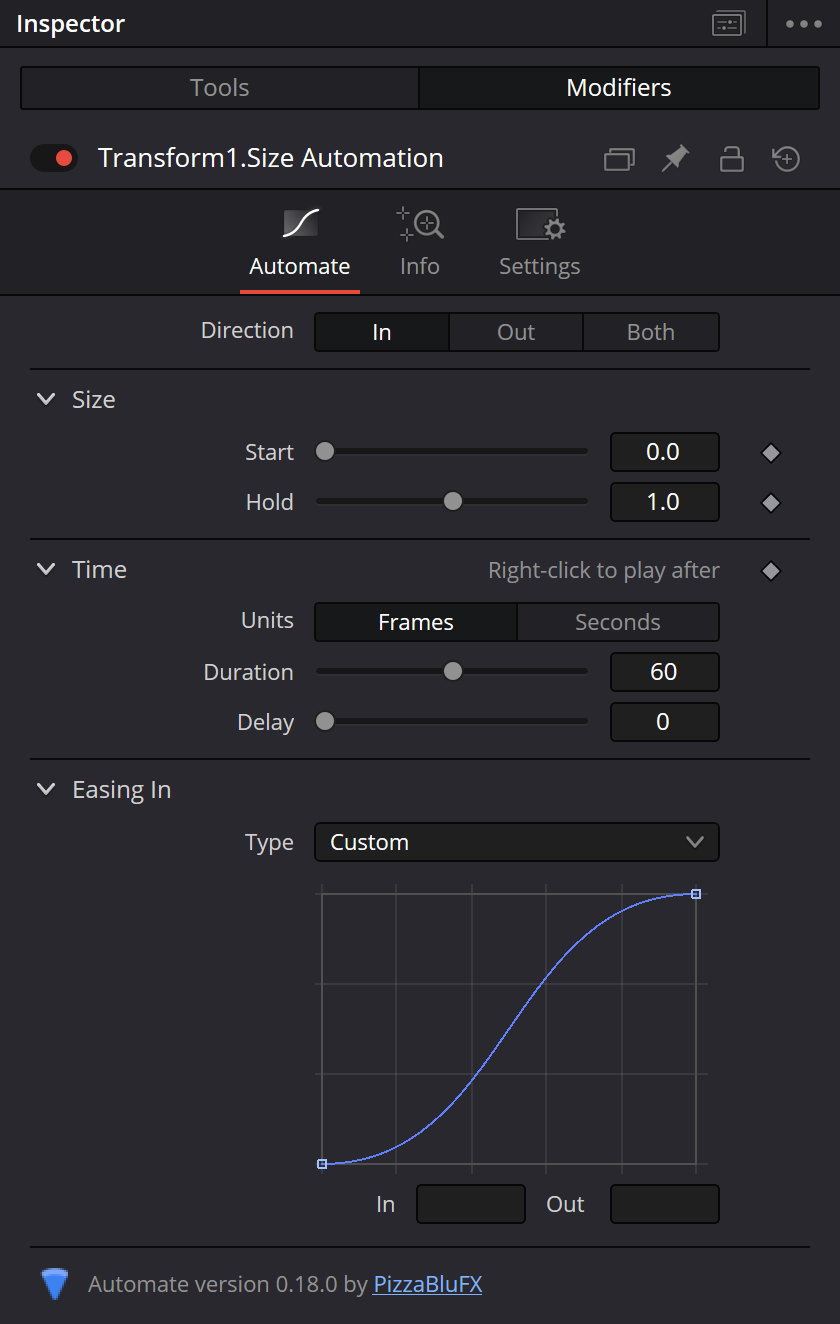
 DaVinci Resolve inspector for Automate Modifier

Always in Sync

Group animations with Autosync and make adjustments to them together

Right-click to Autosync

  • Keep any animation in sync with another
  • Play your animations one after another
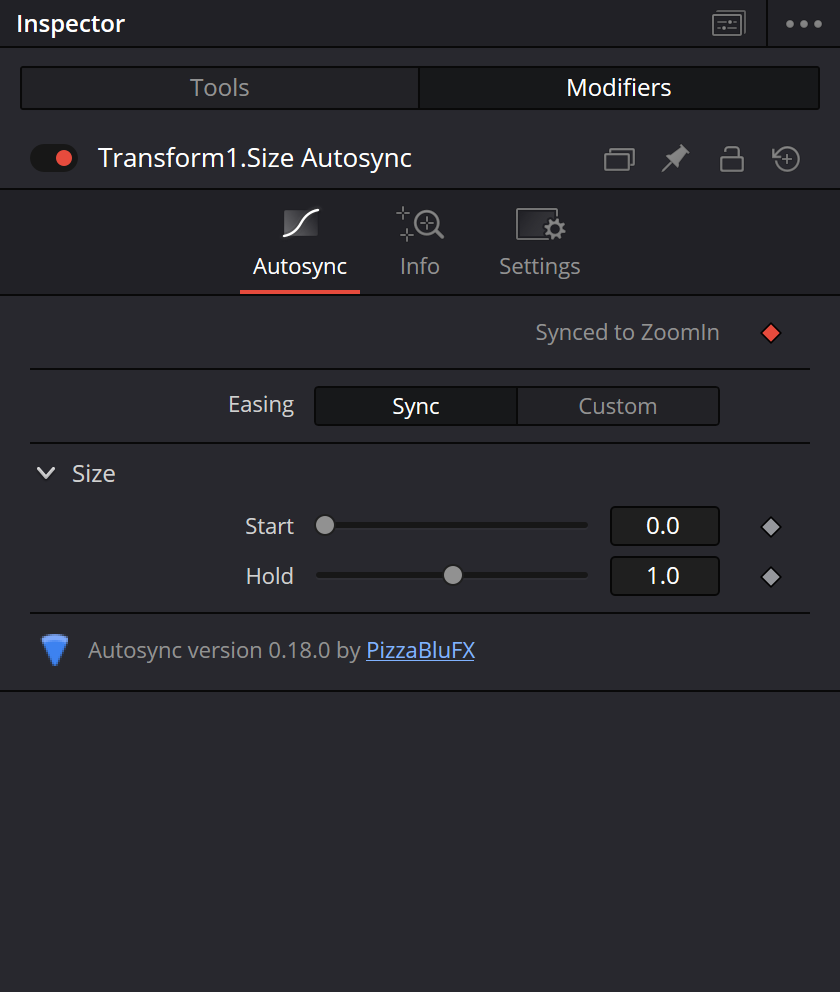
 DaVinci Resolve inspector for Autosync Modifier

Advanced Fusion Toolkit

Create powerful procedural animations with Automation Nodes

Animation Groups

Control as many Animations as you want with one slider

FAQ

Does Automate work on the free version of DaVinci Resolve?

No - Studio Only

Does Automate work on Windows / MacOS / Linux?

Automate only works on Windows and MacOS. While I would like to support Linux in the future, I don't have the time or resouces right now.

Is Automate subscription software?

No, your License will never expire. It is yours for life.

Can I use it on more than one computer?

Yes, you may activate your license on two computers at once.

What can I use Automate on?

Basically any property on the Fusion page. To use Automate on the Edit Page, make sure to install the optional DRFX presets.

Still not sure?

We'd love to answer your questions about Automate in the Discord Community.

Ready to Save Time?

Buy Now

Lifetime license, no subscriptions